

 Bahasa Indonesia
 Deutsch
 Español
 Français
 Português (Brasil)
 Türkçe
 ไทย
 中文(简体)
 中文(繁體)
 日本語
 한국어
This is the documentation for Erebus v26, which is no longer the latest version.See the latest documentation
Linux (Ubuntu)
-
Open the terminal, and install pip and the required libraries:
Terminal window sudo apt install python3-pippython3 -m pip install numpy termcolor requests overrides pillow opencv-python -
Download and install Webots R2023b:
Terminal window wget https://github.com/cyberbotics/webots/releases/download/R2023b/webots_2023b_amd64.debsudo apt install ./webots_2023b_amd64.deb -
Download Erebus v26.1 (zip) and unzip it.
Run the environment
Section titled “Run the environment”Open the world from the terminal, changing the path to your Erebus folder:
webots ~/EREBUS_FOLDER/game/worlds/world1.wbtWebots opens the Erebus control window in your web browser. The first time, Erebus installs some Python libraries, which may take a while. It is ready when the window shows the 08:00 game timer:
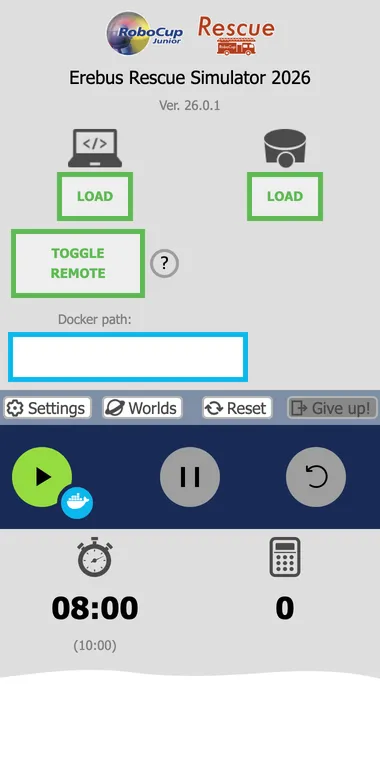
Next, read the Rules summary to understand the game. If something goes wrong, see Troubleshooting.

Erebus is part of RoboCupJunior Rescue.
News, events and team documents: RCJ Rescue Community Website
© 2020–2026 Erebus Development Team